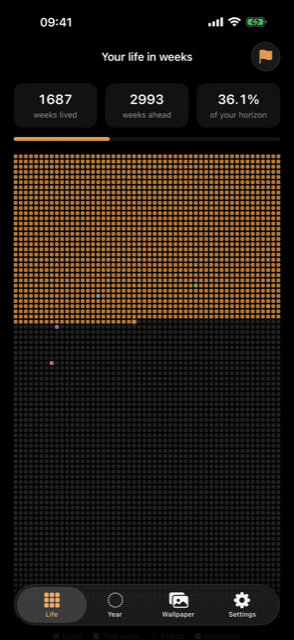
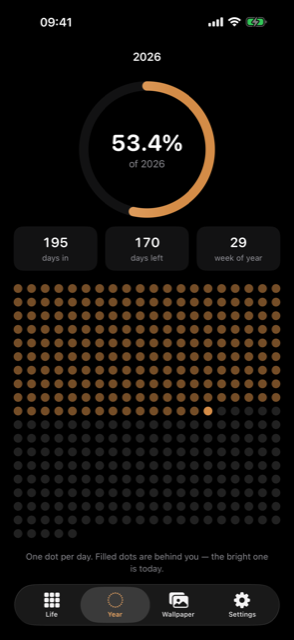
Life Calendar (“the app”) is a life-in-weeks calendar for iOS. It does not require an
account and does not collect any personal information. The app works entirely offline
and has no servers of any kind.
Everything stays on your device
Life Calendar stores your birth date, horizon, preferences and milestones locally on
your iPhone or iPad. Nothing is ever uploaded, synced to a server, or shared with
anyone — no servers are operated for this app.
No tracking, no analytics
The app contains no analytics, no advertising frameworks, no third-party code and no
trackers of any kind. There is no way for anyone to see how you use it, and that is
deliberate.
No account
There is nothing to sign up for.
Photos access
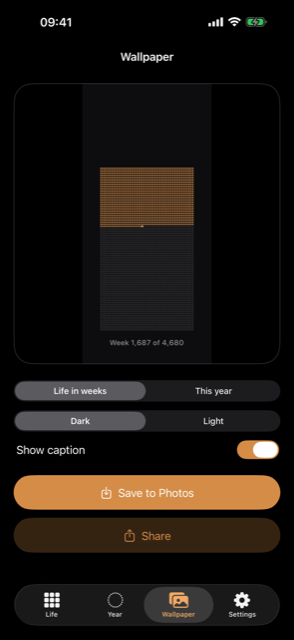
If you choose to save a wallpaper, the app asks for add-only access to
your photo library. It can only add the image you just created — it cannot read your
existing photos.
Notifications
The optional weekly reminder is scheduled by your device, for your device. It uses no
push service and sends nothing over the network. You can turn it off at any time in the
app’s settings, or in iOS Settings.
Widgets
The home- and lock-screen widgets read the same locally stored settings through an app
group container that never leaves your device.
What the app does not do
- No user accounts or sign-in
- No analytics or advertising SDKs
- No tracking across apps or websites
- No sale or sharing of data for advertising
Children’s privacy
No personal information is collected from anyone, children included. All data stays
on-device.
Deleting your data
Use “Reset everything” in the app’s settings, or simply delete the app. Both remove all
data permanently.
Your rights
Because no personal data ever leaves your device, there is no account data to access,
export or delete on your behalf. Deleting the app removes everything.
Changes to this policy
Any change will be posted on this page and reflected in the in-app privacy screen.
Contact
Questions about this policy or the app are best sent as a review — or a reply to a
review — on the
App Store listing, which is read
and answered directly.